Introduction
Every project has a lifecycle status that reflects its current stage. Status transitions control what actions are available, trigger email notifications to clients, and determine what client portal users can see.
Project Statuses
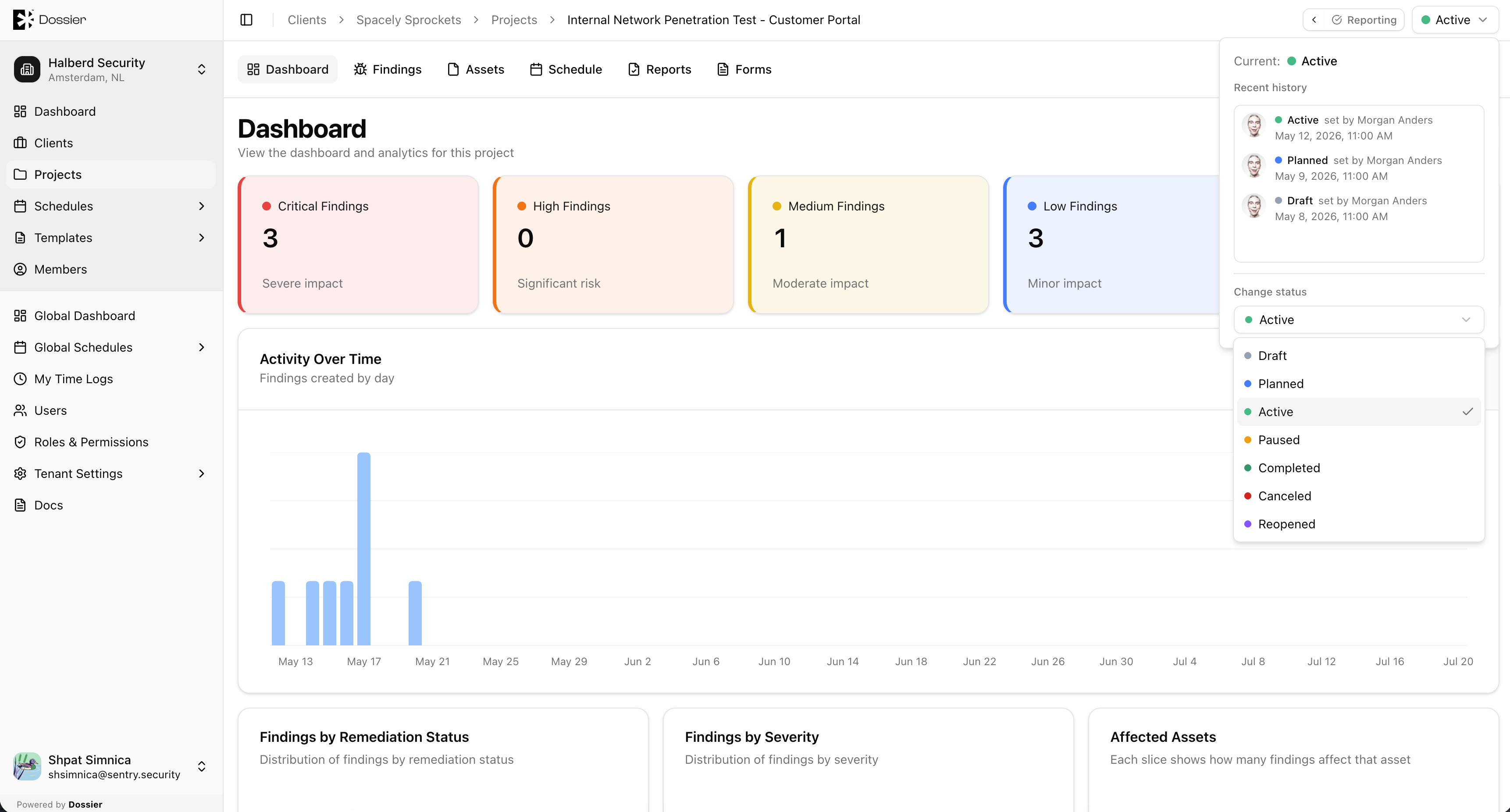
| Status | Description |
|---|---|
| Draft | Initial state. The project is being configured. Not visible to client accounts. |
| Planned | The project is scheduled and ready to begin. |
| Active | The project is in progress. Testing and finding documentation are underway. |
| Paused | Work is temporarily suspended. |
| Completed | All work is finished and deliverables are ready. |
| Canceled | The project was terminated before completion. |
| Reopened | A completed or canceled project has been reopened for further work. Resets to Draft. |
Status Transitions
| Action | From | To | Sends email |
|---|---|---|---|
| Plan | Draft, Reopened | Planned | Optional (to client recipients + engaged consultants) |
| Activate | Planned, Paused | Active | Optional (to client recipients) |
| Pause | Active | Paused | Optional (to client recipients) |
| Complete | Active | Completed | Optional (to client recipients) |
| Cancel | Any | Canceled | Optional (to client recipients) |
| Reopen | Completed, Canceled | Reopened → Draft | No |
| Set to Draft | Any | Draft | No |
Email Notifications
Email notifications are sent only when the Send email option is enabled during a status transition. Recipients are the client's configured email recipients list.
Client Portal Visibility
Client accounts cannot see projects in Draft status. All other statuses are visible in the client portal (subject to the user's client membership).
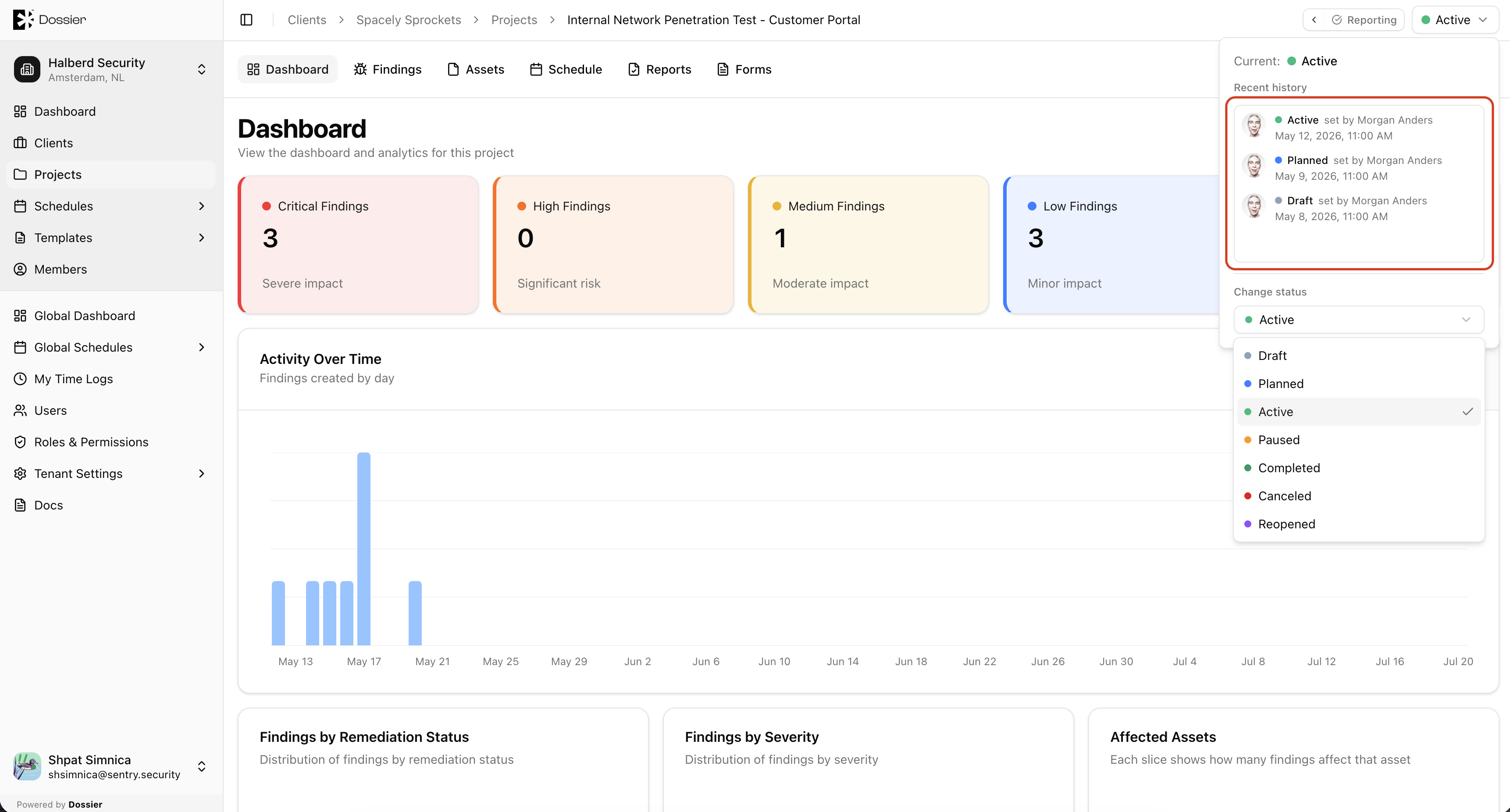
Status History
Each status change is recorded with the user who made the change and a timestamp. View the status history from the status popover.